
If you want a budgeting system that is simple, flexible, and easy to control, a Google Sheets budget planner can be a very practical choice. Not everyone wants a full budgeting app, and not everyone wants to build a spreadsheet from scratch either. For many people, a ready-made Google Sheets planner offers the middle ground: more structure than a blank spreadsheet, but more freedom than a locked app.
Digital Planning Studio’s Personal Budget Planner is built around that idea. On its official homepage, the product is presented as a fully dynamic budget planner in Google Sheets designed to help users manage income, expenses, and savings more proactively instead of just doing basic finance tracking. The sales page also emphasizes monthly and yearly insights, an interactive dashboard, full history analysis, and customization.
That positioning makes it especially relevant for people who like spreadsheets, want better visibility into their money, and prefer a one-time purchase over another monthly subscription. Instead of paying for a complex app with features you may never use, this kind of product focuses on budgeting clarity and control. That is the core reason it may appeal to the right buyer.
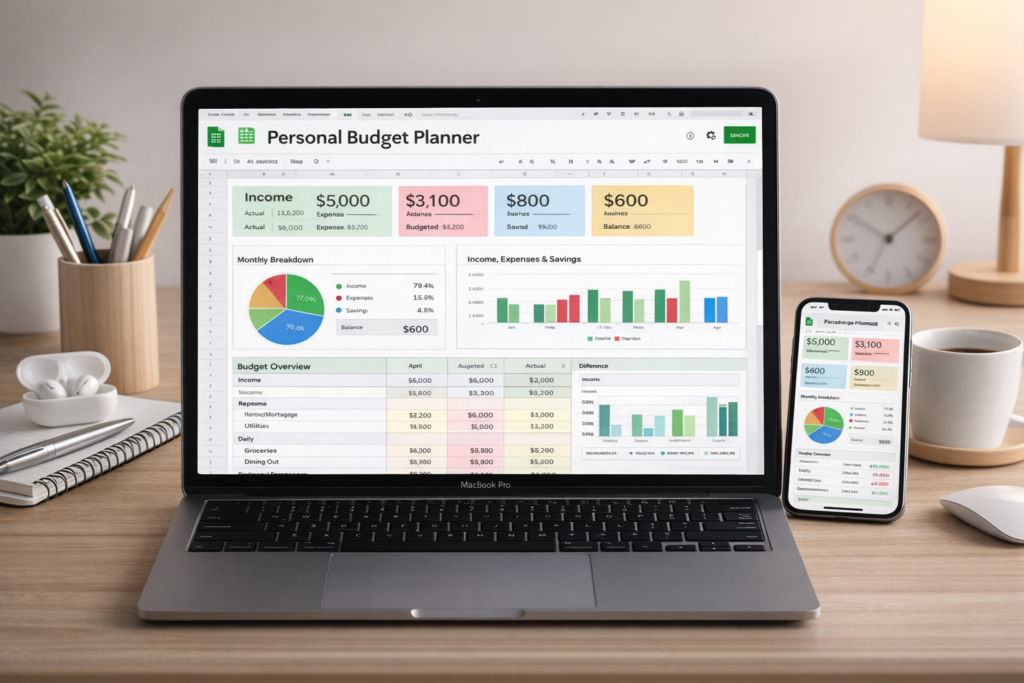
What Is This Google Sheets Budget Planner?
This product is a spreadsheet-based personal budgeting tool built for Google Sheets. It is not a standalone mobile app, and it is not a bank-connected finance platform. According to the official site, it is meant to help users take full control of their finances with a smart budgeting tool and move beyond simple tracking into a more structured budgeting workflow.
The product page highlights several specific features: smart income allocation, automated insights, an interactive summary dashboard, full history and analysis, and an easy-to-use customizable setup. The website also states that after purchase, buyers receive a PDF file containing the link to download the planner instantly. Those details matter because they tell you exactly what kind of product this is: a one-time digital planner template rather than subscription software.
For spreadsheet users, that can actually be a major advantage. Google Sheets is familiar, flexible, and accessible from different devices. A budgeting tool built in Sheets often gives users more direct control over categories, planning structure, and review than a typical finance app. So while this product will not be ideal for everyone, it clearly fits people who prefer spreadsheet-based budgeting over app-based automation.
Quick Verdict
If you specifically want a Google Sheets budget planner, this product looks like a solid option for the right kind of user. It appears strongest for buyers who want a more polished and structured spreadsheet than a free template, but who do not need bank syncing or mobile-app automation. Based on the official page, its biggest strengths are budgeting structure, dashboard visibility, and long-term review.
Here is the quick summary:
| Category | Verdict |
|---|---|
| Ease of Use | Good for spreadsheet users |
| Budget Structure | Stronger than a blank spreadsheet |
| Dashboard Value | Attractive for visual budgeting |
| Long-Term Review | Useful for ongoing financial tracking |
| Best For | People who prefer Google Sheets |
| Not Ideal For | Users who want app automation |
Key Features at a Glance
One of the biggest selling points of this planner is that it aims to do more than simple expense logging. The official page does not describe it as a plain tracker. Instead, it presents the planner as a smarter budgeting tool with multiple built-in advantages.
| Feature | What the Official Site Highlights | Why It Matters |
|---|---|---|
| Smart Income Allocation | Plan and track how income is distributed across expense and savings categories | Helps users budget intentionally |
| Automated Insights | Structured monthly and yearly breakdowns | Saves time and improves clarity |
| Interactive Summary Dashboard | Auto-generated dashboard for financial trends | Makes budgeting more visual |
| Full History & Analysis | Review and analyze past months and years with three dynamic spreadsheets | Supports long-term decisions |
| Easy to Use & Customizable | Designed for simplicity and flexibility | Better fit for real-life budgeting needs |
That mix is important because many free templates only help you record numbers. A stronger paid planner usually tries to go further by improving structure, visual clarity, and long-term usefulness. That is the real value proposition behind products like this.
How This Budget Planner Works
At its core, this planner is built around active budgeting rather than passive tracking. Instead of only writing down what you spent after the fact, the product is meant to help you organize income, assign spending and savings categories, and evaluate your results over time. That idea is visible in the official copy, which repeatedly focuses on proactive control over income, expenses, and savings.
A useful budgeting system should help answer practical questions like these:
- How much of your income is actually going toward savings?
- Which spending categories go over budget most often?
- Are you improving month by month?
- Are your financial habits getting better across the year?
A blank spreadsheet can hold information, but a better planner turns information into decisions. That is why many people are willing to pay for a finished template instead of building their own. The value is not just the spreadsheet itself. The value is the structure, formulas, and review flow already being done for you.
What I Like About This Product
1. It focuses on budgeting, not just expense logging
A lot of spreadsheets are basically transaction logs. They help you look backward, but not always plan forward. This planner appears to be more useful for proactive budgeting because the official site frames it around budget control, income distribution, and structured financial review.
2. The dashboard angle is a real advantage
The interactive summary dashboard is one of the strongest selling points on the page. Budgeting becomes easier to follow when the data is visual instead of buried in rows and tabs. For many users, that visual component can make the difference between sticking with a budget and quitting after a few weeks. The official site explicitly advertises an auto-generated interactive dashboard for financial trends.
3. It appears useful for long-term tracking
The homepage also says users can store, review, and analyze past months and years with three dynamic spreadsheets. That is valuable because real budgeting is not just about one month. The more easily you can compare periods and spot patterns, the more useful the planner becomes over time.
4. Google Sheets is familiar for many people
A lot of users already know Google Sheets, which lowers the learning curve. That makes this kind of product more approachable than a new software platform. It also means the planner can be duplicated, updated, and accessed more flexibly than many apps. This is an inference based on the product being built inside Google Sheets, supported by the site’s own positioning.
Possible Downsides
No product is ideal for everyone, and this one has some natural limitations.
1. It is still a spreadsheet
Even a polished spreadsheet remains a spreadsheet. If you want automatic bank syncing, app reminders, mobile alerts, or a hands-free finance experience, this may feel too manual. This is best suited to users who already like spreadsheet-based organization.
2. Free alternatives exist
This is a major issue for any paid budget template. There are many free budget spreadsheets online. That means the product has to justify itself through better structure, better usability, and better presentation. The reason someone pays is not because spreadsheets are rare. It is because a finished system can save setup time and provide a more motivating workflow.
3. The official sales page is very simple
The website communicates the key features clearly, but it is still a very simple Google Sites sales page. It does not present a large amount of public pre-purchase depth beyond the main feature list, the price, and a tutorial link. That does not automatically make the product weak, but some buyers may want more previews before purchasing. The visible page currently includes the feature summary, a YouTube tutorial link, and the delivery explanation.
Pros and Cons
| Pros | Cons |
|---|---|
| Built in Google Sheets | Still more manual than an app |
| Better structure than a blank spreadsheet | Free alternatives exist |
| Includes a dashboard angle | Not ideal for users who dislike spreadsheets |
| Supports long-term review | Limited public detail on the sales page |
| One-time digital purchase | Lacks fintech-style automation |
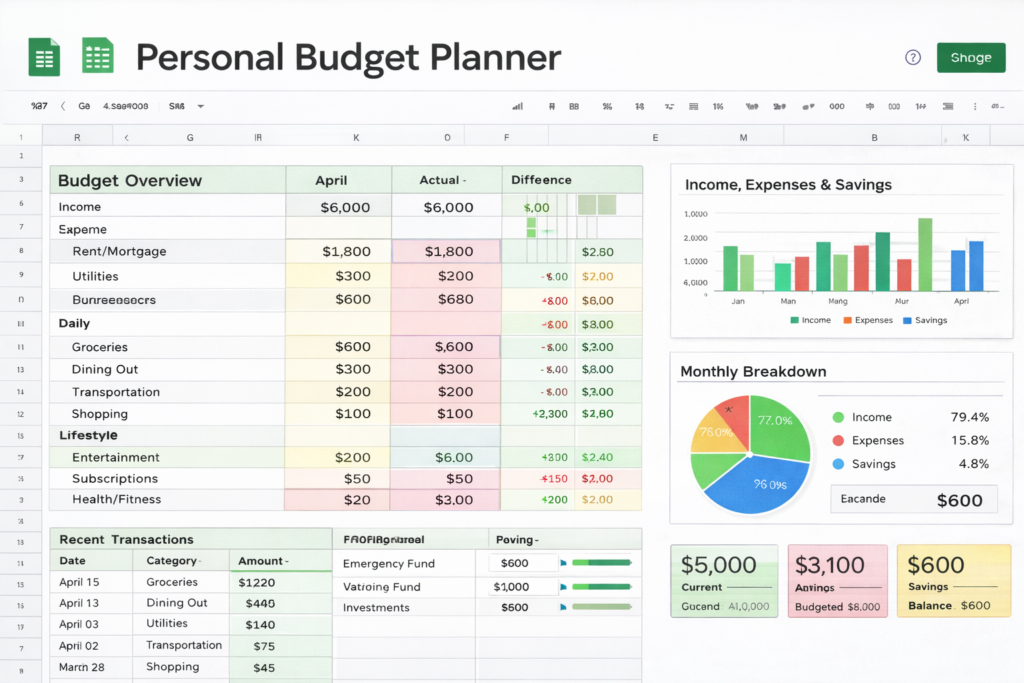
Who This Budget Planner Is Best For
This kind of planner is not for everyone, but it is a strong fit for a clear type of buyer.
Best for:
- people who want a Google Sheets budget planner,
- users who prefer spreadsheets over budgeting apps,
- people who want a ready-made budgeting structure,
- users who like dashboards and summaries,
- and anyone who wants to review spending and savings over time.
Probably not best for:
- users who want bank syncing,
- people who dislike spreadsheets,
- shoppers looking only for free tools,
- and users who expect a full app experience.
Pricing and What You Get
At the time of checking the official site, the Personal Budget Planner is listed at $39.99. The website states that clicking the purchase button delivers a PDF file containing the link to download the planner instantly. It also links to a full step-by-step tutorial video.
Here is the practical breakdown:
| Item | Details |
|---|---|
| Product | Personal Budget Planner |
| Platform | Google Sheets |
| Listed Price | $39.99 |
| Delivery | PDF file with instant download link |
| Tutorial Mentioned | Yes |
Digital Planning Studio also sells an Advanced Budget Planner for $49.99. According to that page, the advanced version includes all the personal planner benefits plus custom time-period analysis, comparison across multiple months or years, and dynamic dropdown-based summary updates.
Personal Budget Planner vs Advanced Budget Planner
This comparison matters because some readers may be deciding between the lower-priced standard version and the upgraded option.
| Feature | Personal Budget Planner | Advanced Budget Planner |
|---|---|---|
| Google Sheets based | Yes | Yes |
| Income, expense, savings planning | Yes | Yes |
| Dashboard-style review | Yes | Yes |
| Historical tracking | Yes | Yes |
| Custom time-period analysis | Not specifically highlighted | Yes |
| Compare multiple months or years | Not specifically highlighted | Yes |
| Dynamic dropdown summary updates | Not specifically highlighted | Yes |
| Price | $39.99 | $49.99 |
The advanced version will likely make more sense for users who care more about deeper reporting and broader time-based analysis, while the standard version may be enough for users who mainly want a structured personal budget system.
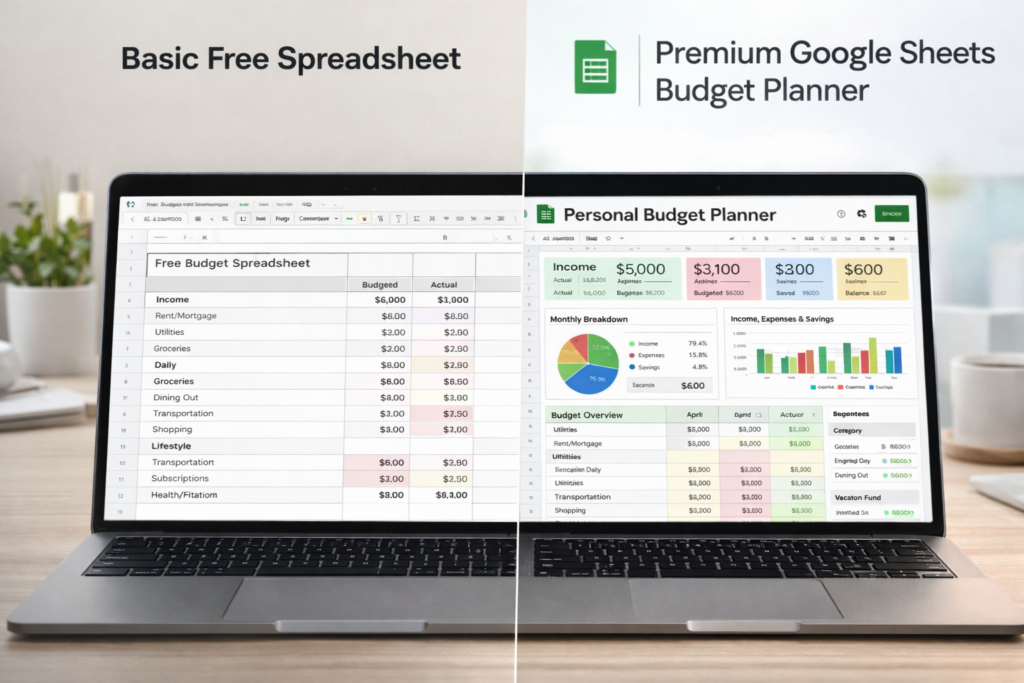
Paid Budget Planner vs Free Budget Spreadsheet
This is the most important buying question.
A free spreadsheet can absolutely work, especially if your needs are basic. But in many cases, free templates come with trade-offs: weaker design, less polish, more manual setup, and less visual motivation.
Here is the practical difference:
| Area | Free Budget Spreadsheet | Paid Budget Planner |
|---|---|---|
| Setup | Often manual | Usually faster to start |
| Layout | Usually basic | More polished |
| Dashboard | Limited or missing | More likely to be visual |
| Analysis | Often simple | Usually more structured |
| User Experience | Can feel plain | Often easier to stick with |
| Time Savings | Lower upfront cost | Less building from scratch |
That is why some people are willing to pay. They are not paying for the existence of a spreadsheet. They are paying for a cleaner system, ready-made logic, and a better chance of actually sticking with budgeting.
Is It Worth the Money?
For the right user, yes.
A product like this can be worth buying if you want a budgeting system that is easier to start, easier to understand, and easier to maintain than a random free template. The biggest value is not complexity. It is convenience, structure, clarity, and consistency.
It may be worth it if:
- you like Google Sheets,
- you want a polished planner instead of a blank file,
- and you prefer a one-time purchase over another monthly subscription.
It may not be worth it if:
- you already have a free template you like,
- you hate spreadsheet-based budgeting,
- or you want automation first.
Final Verdict
Overall, Digital Planning Studio’s Personal Budget Planner looks like a solid option for readers specifically searching for a Google Sheets budget planner. Its appeal is straightforward: a more structured, more visual, and more usable spreadsheet-based budgeting system than many free alternatives. The official site supports that positioning with its emphasis on smart income allocation, automated insights, dashboard visibility, long-term history analysis, and easy customization.
It is not trying to replace a full fintech app, and that is fine. It is trying to be a better budgeting spreadsheet. For readers who want control, flexibility, and a ready-made Google Sheets system, that may be exactly the right fit.
Frequently Asked Questions
Is a Google Sheets budget planner better than a budgeting app?
It depends on what you want. Budgeting apps are usually better for automation, while a Google Sheets budget planner is often better for flexibility, customization, and direct visibility.
Is this type of planner good for beginners?
Yes, especially for beginners who are comfortable with basic spreadsheet navigation and want more structure than a blank file.
How is the planner delivered after purchase?
According to the official site, buyers receive a PDF file containing the link to download the planner instantly.
Is there a more advanced version available?
Yes. The site also lists an Advanced Budget Planner for $49.99 with added features such as custom time-period analysis, multi-month or multi-year comparison, and dynamic dropdown-based summary updates.
Who should buy this kind of budget planner?
People who want a ready-made Google Sheets budget planner, especially those who prefer spreadsheets over finance apps, are the most likely to benefit.
About the Author
Xu Xun
Contact: xuxun1208@gmail.com
Last Updated: June 2026